

Analytics require a Pro or Enterprise plan.
Traffic
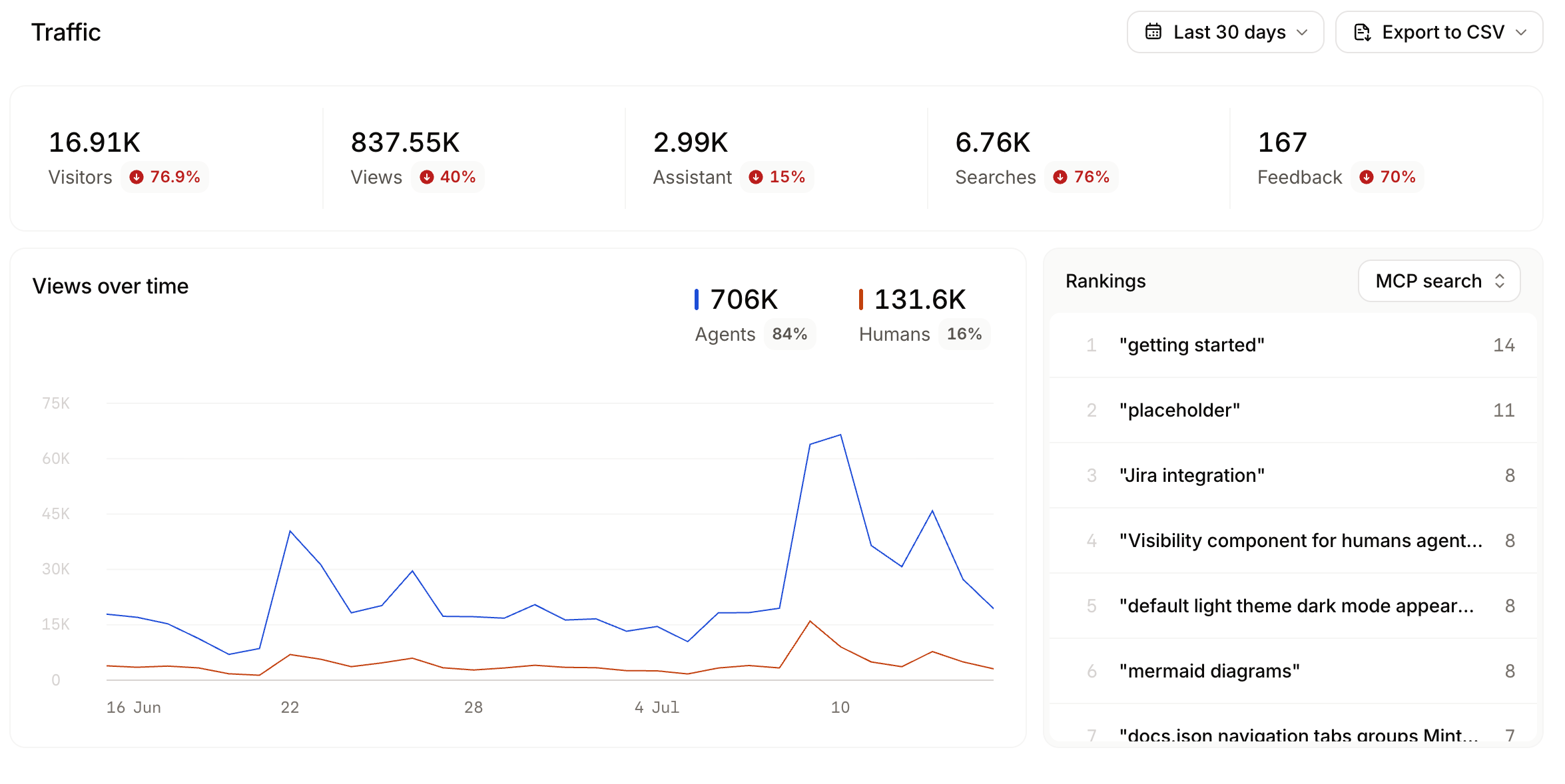
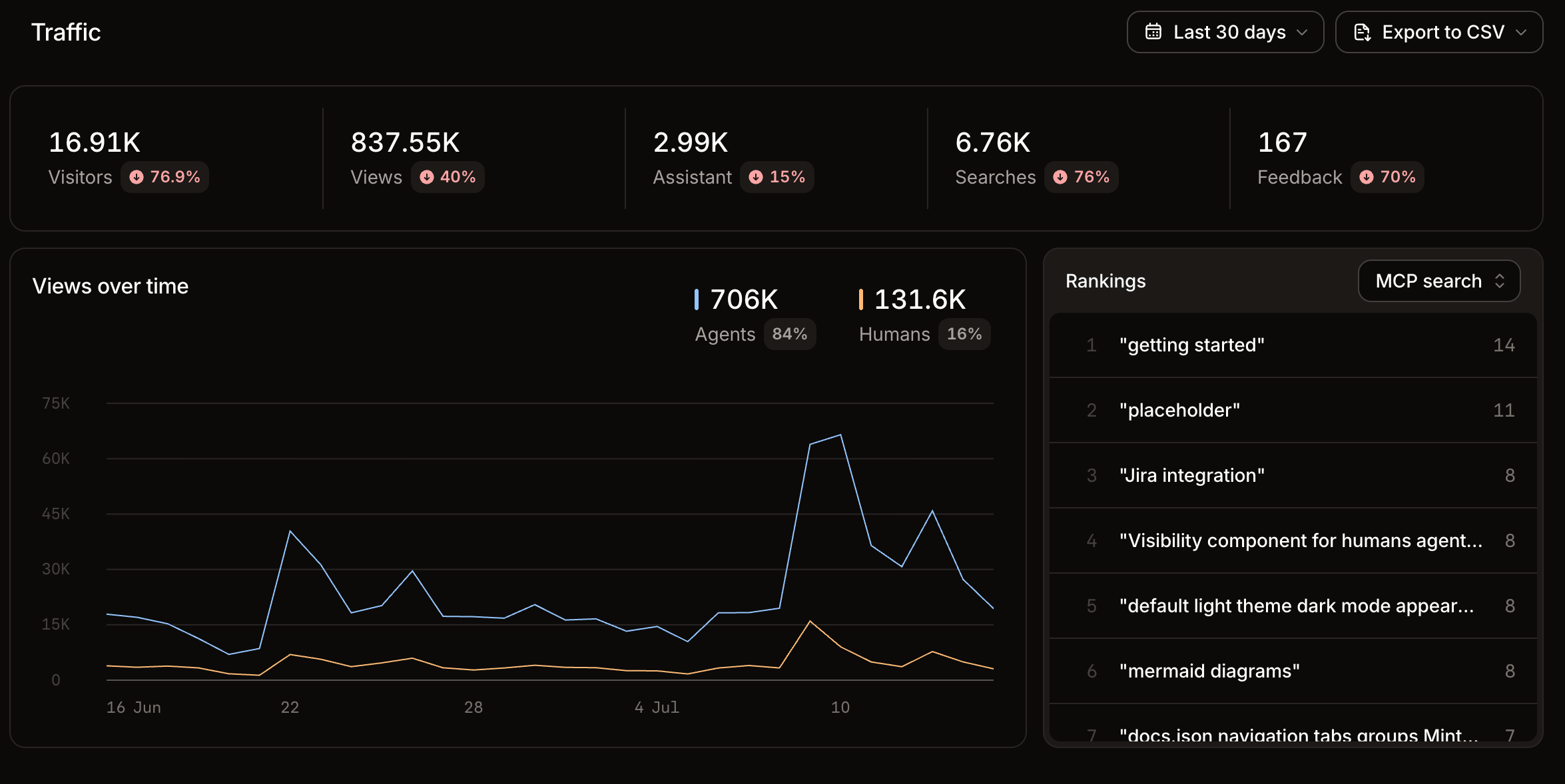
The traffic section of the analytics page displays total visitors, page views, assistant conversations, searches, and user feedback messages. Review your traffic analytics to:- Monitor traffic trends: Observe changes in human and agent traffic after updates or new content to understand the impact of your changes.
- Identify popular pages: Use highly ranked pages to understand what content is most important to your users so that you can make sure it is up to date and comprehensive.
- Track referral sources: Understand where your users are coming from to help you optimize your content for the right audience.
Agent views
Mintlify identifies agent visitors by IP address and user agent. The agent visitor count approximates distinct sources of AI traffic rather than individual agent sessions or conversations. Multiple requests from the same IP address count as one visitor. Use agent views to help determine:- AI agent distribution: See which AI platforms access your docs to learn which tools your users prefer.
- Integration opportunities: Identify which AI platforms to prioritize for optimization and testing.
- AI traffic patterns: Monitor which agents are most active and how their usage changes over time.
Assistant
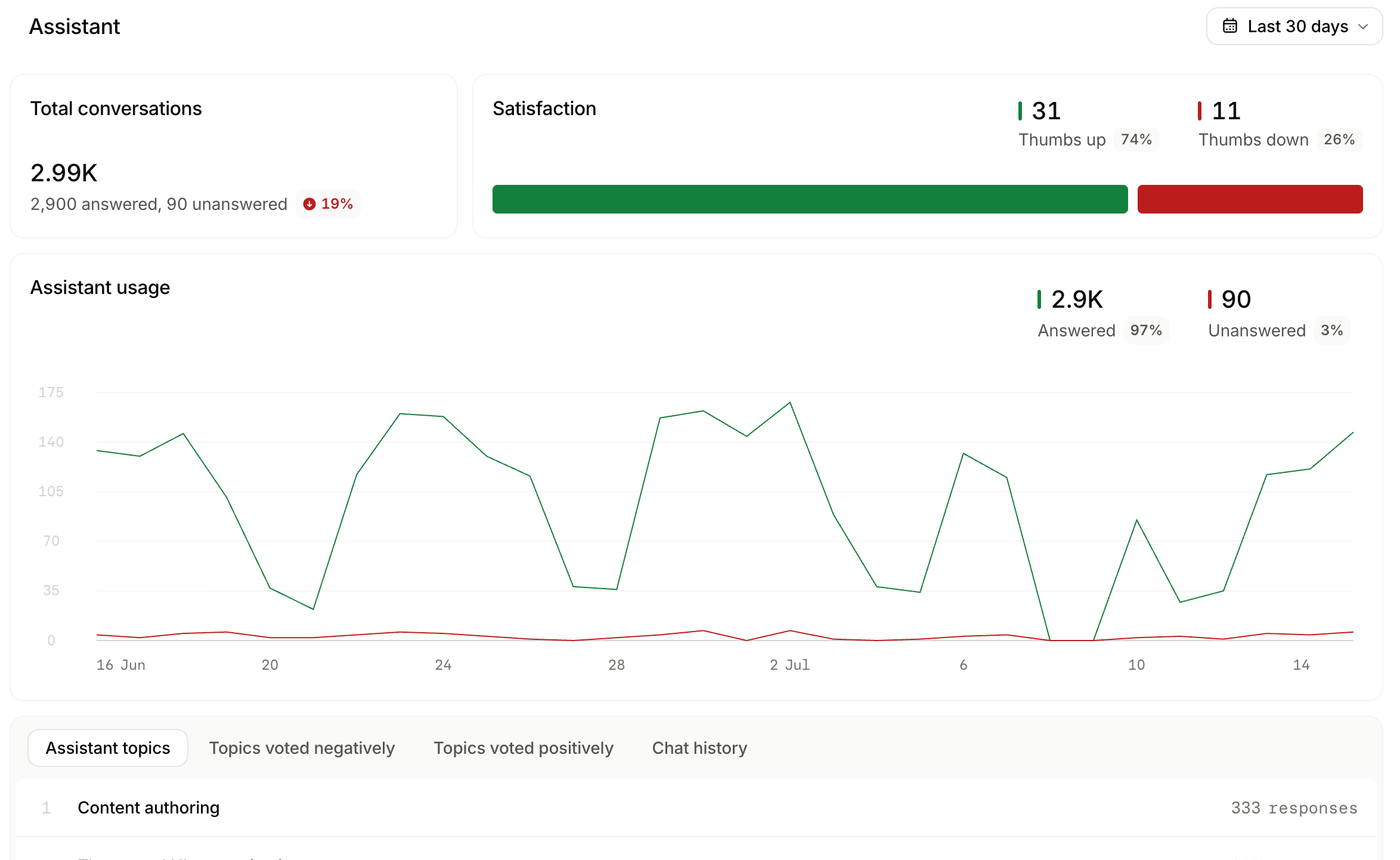
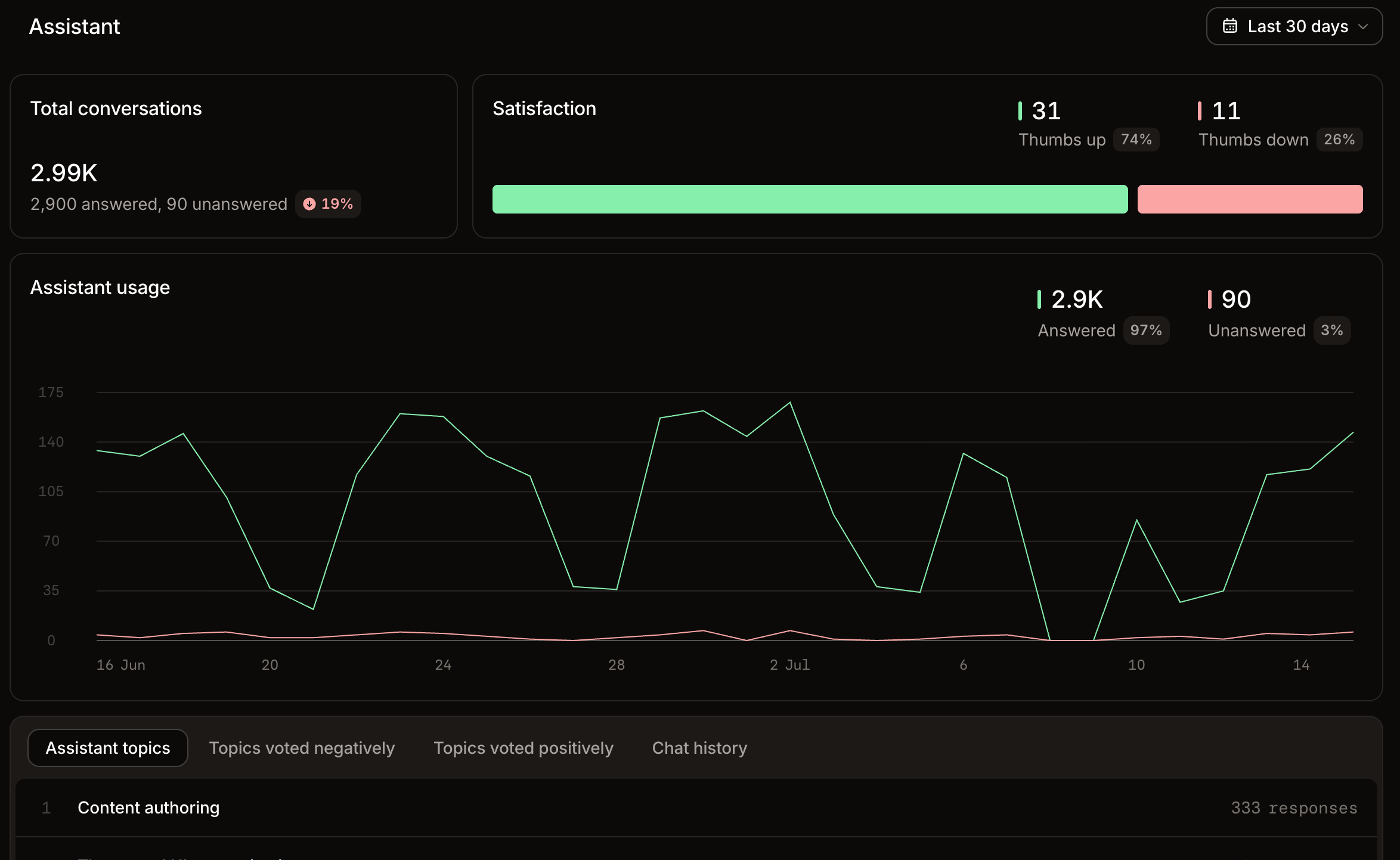
The assistant section of the analytics page displays assistant usage over time and chat history. Assistant topics groups conversations by themes and categories. Topics voted negatively show which topics get the most thumbs down feedback from users. Topics voted positively show which topics get the most thumbs up feedback from users. Chat history displays records of all assistant conversations. Review your assistant analytics to:- Monitor assistant usage: Observe changes in assistant usage to understand how your users engage with your content.
- Identify frequent topics: Use high-occurrence themes and categories to understand what topics are most important to your users. Identify gaps in coverage and prioritize content updates.
- Find where users struggle: Use sentiment to see which topics get negative feedback and prioritize improving that content.
- Review chat history: Get detailed high intent data about how your users think about your product by reviewing their chat history with the assistant. See what terms they use, what they need help with, and what tasks they try to accomplish.
Search
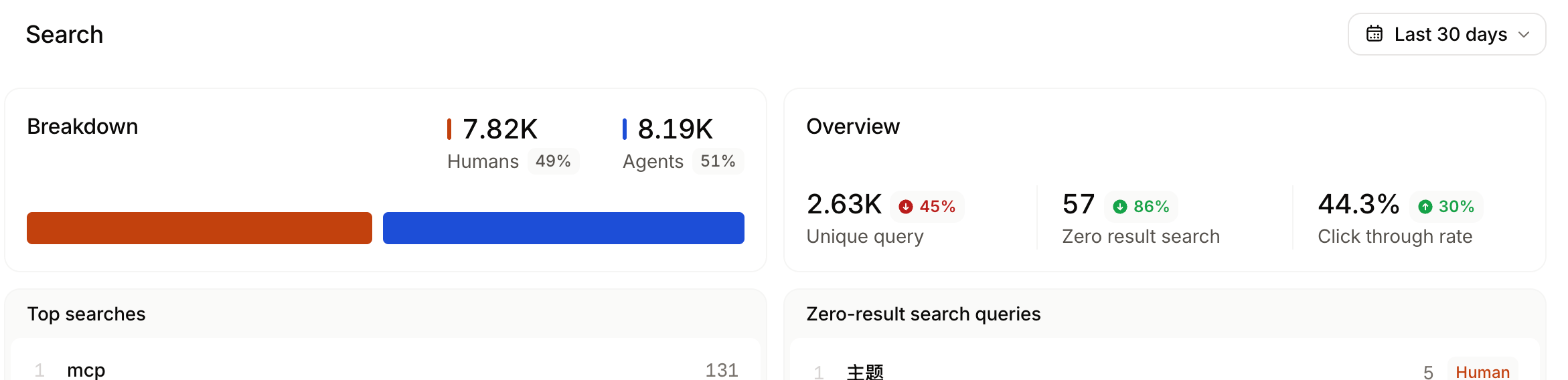
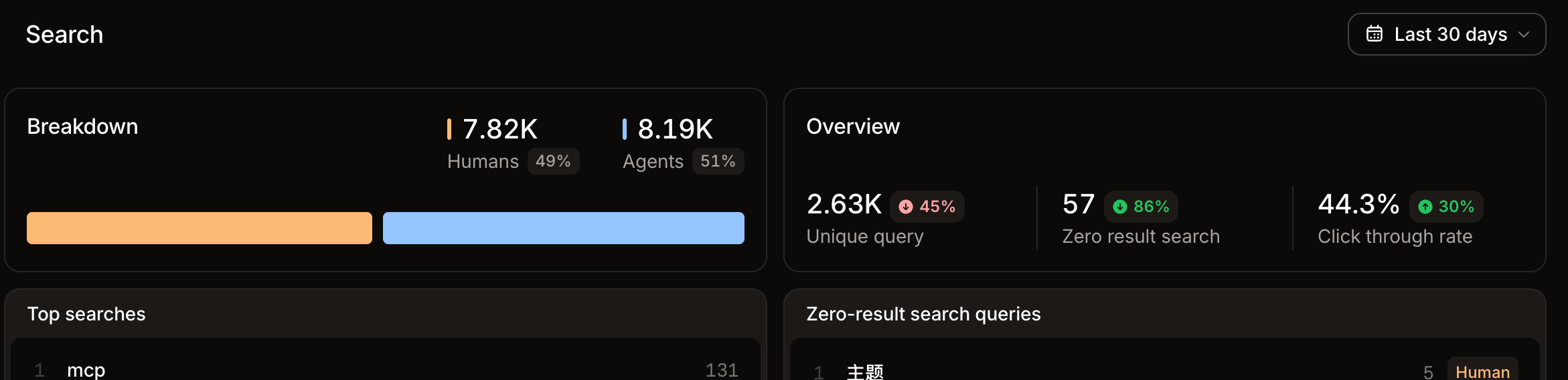
The search section of the analytics page displays search volume, queries with no results, and click through rates. Review your searches analytics to:- Monitor search trends: Observe changes in search queries to understand how your users are finding your content and what topics they want information on.
- Identify frequent queries: Use frequent queries to understand what topics are most important to your users. Identify gaps in coverage and prioritize content updates.
- Identify low click through rates: Click through rates (CTR) show how many users click a search result after typing in a query. Low CTR can indicate that the search results are not relevant to users’ queries. If you have frequent search terms with low CTR, consider improving the relevance of search results by adding keywords and updating your content.
Feedback
The feedback tab displays a bar chart of feedback over time and specific feedback items. See Feedback for more information on using feedback data to improve your content.Filter time period
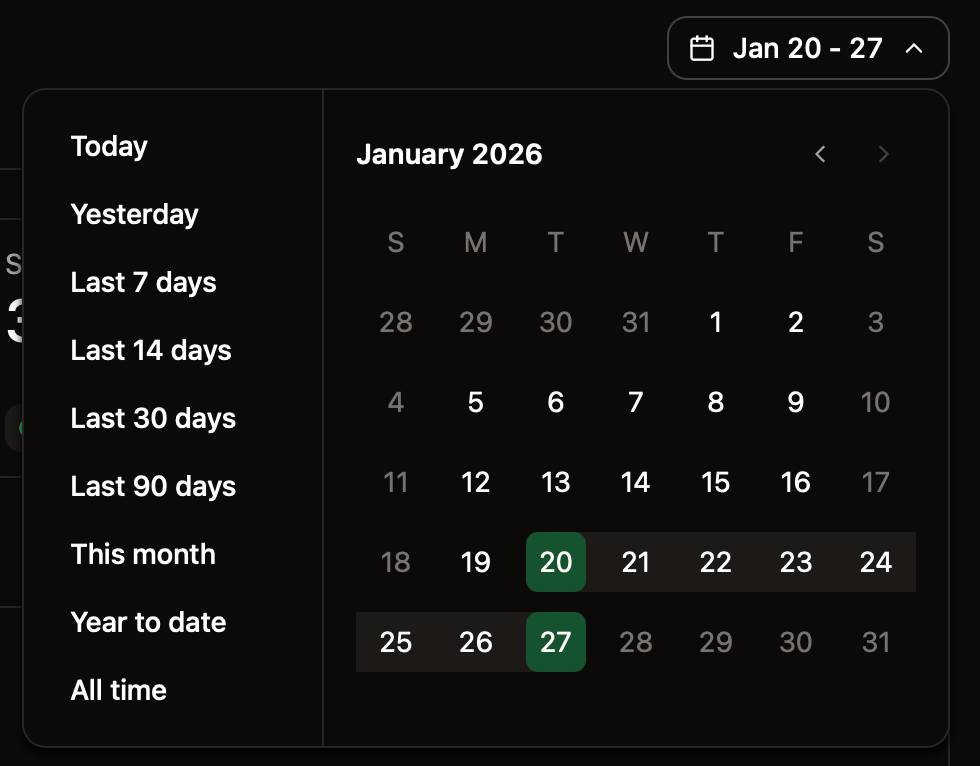
Use the range selector to adjust the time period for displayed data.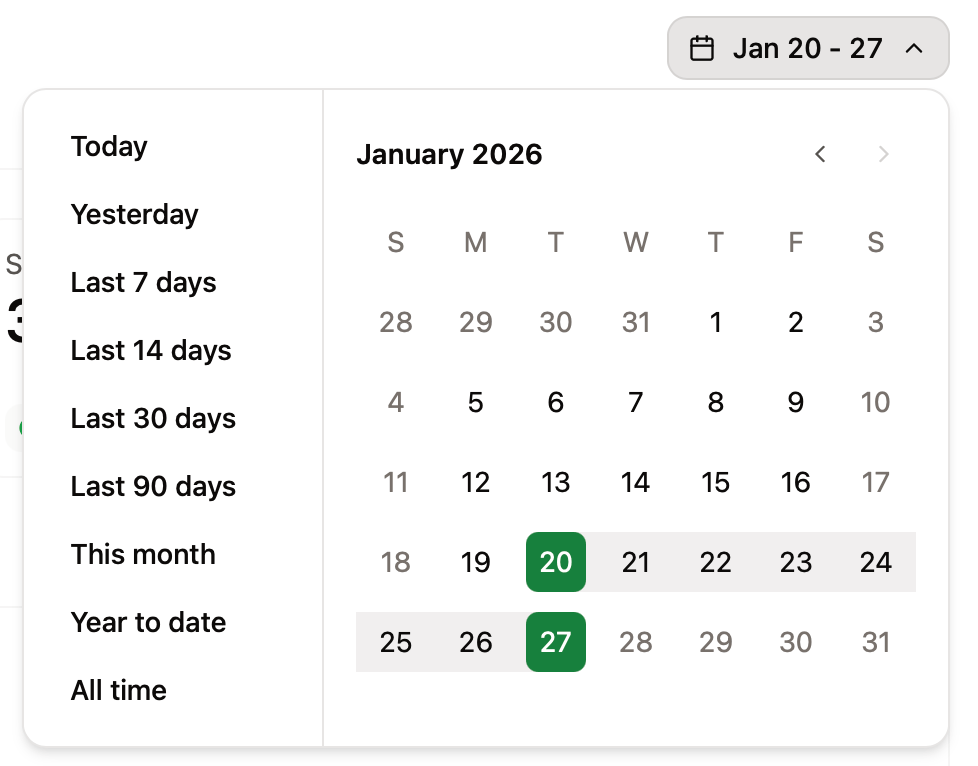
Export analytics
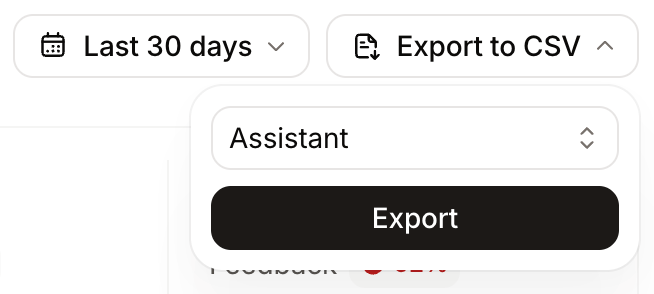
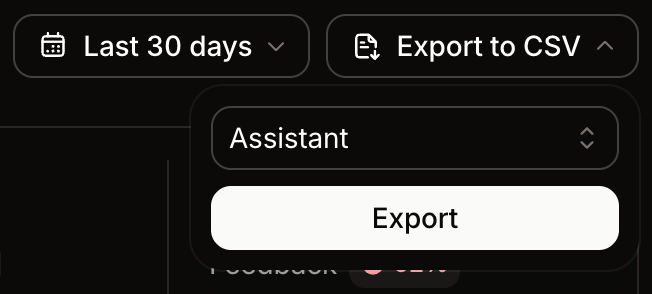
Export analytics categories to CSV for deeper analysis, reporting, or archival. Exports respect the selected time range.- Click Export to CSV.
- Select which category to export: traffic, referrals, assistant conversations, searches, or feedback.
- Mintlify sends you an email with a download link when the export is ready.
Assistant exports
Assistant exports include the queries, responses, sources, and aresolutionStatus column that indicates whether the assistant successfully answered each question (answered or unanswered). Use the resolutionStatus column to identify documentation gaps surfaced by questions the assistant could not resolve.